Shared media, shared templates, and cleaner project handoff for real production teams.
Carmic's workspace model makes the platform more usable for agencies, podcast teams, and multi-editor operations that need shared context, not solo-tool assumptions.
Collaboration
Short-form production gets messy when everything lives in one person's browser
Workspaces let teams separate clients or brands, share assets, and keep project ownership clearer across editing and review.
- Invite teammates into a workspace
- Use shared media, fonts, and templates
- Keep roles and project ownership cleaner across the team
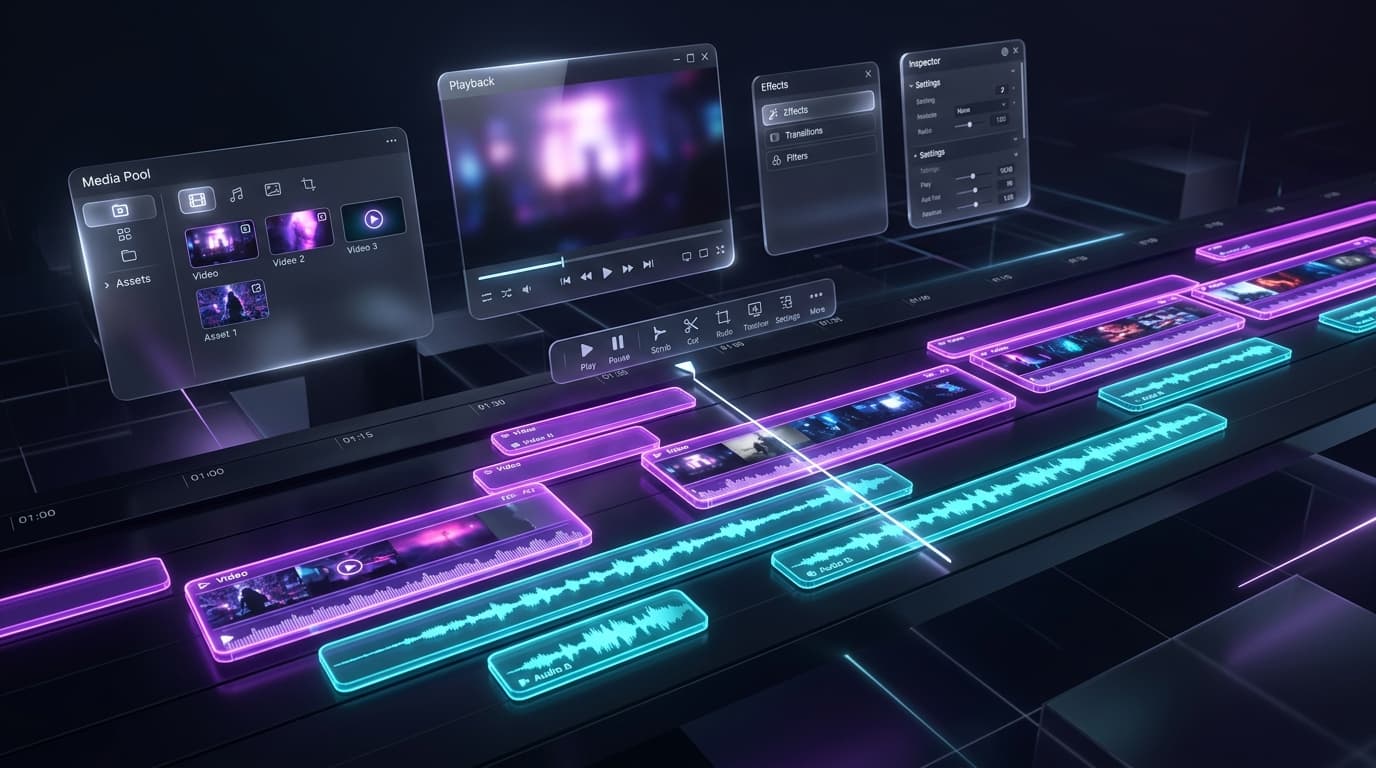
Workspace preview
Projects, people, and shared assets in one workspace
Organize team members, project queues, templates, and media assets around the way short-form work is actually reviewed and delivered.
Workspace members or invite interface
Shared media or template library
Project list with multiple assets or jobs
Roles and collaboration
Set up workspaces around how your team already operates instead of forcing every edit through one login.
- Owner and editor roles
- Invite and revoke access
- Cleaner separation of responsibilities
Shared media library
Store the fonts, images, audio, and video assets your team needs close to the actual editing workflow.
- Shared workspace assets
- Less duplicate uploading
- Faster production setup
Operational guardrails
Workspace scoping and structured access patterns make Carmic a safer fit for client and team production environments.
- Workspace-aware access
- Clearer multi-client separation
- Better fit for business operations
Give every editor the same source of truth
Workspaces help production teams keep projects, assets, and approved styles organized as volume grows.