Clip long conversations into shorts with better speaker framing and cleaner editorial handoff.
Podcasts are one of Carmic's strongest fits because the platform combines clip detection, speaker-aware layouts, captions, and NLE export paths in one workflow.
Podcast workflow
Better tools for multi-speaker footage
The combination of clip generation, speaker-aware layouts, and caption editing makes Carmic especially relevant for interview and conversation formats.
- Pull usable clips from long-form episodes faster
- Use split-screen and speaker-aware framing where it fits
- Export to an NLE when the producer wants a final polish pass
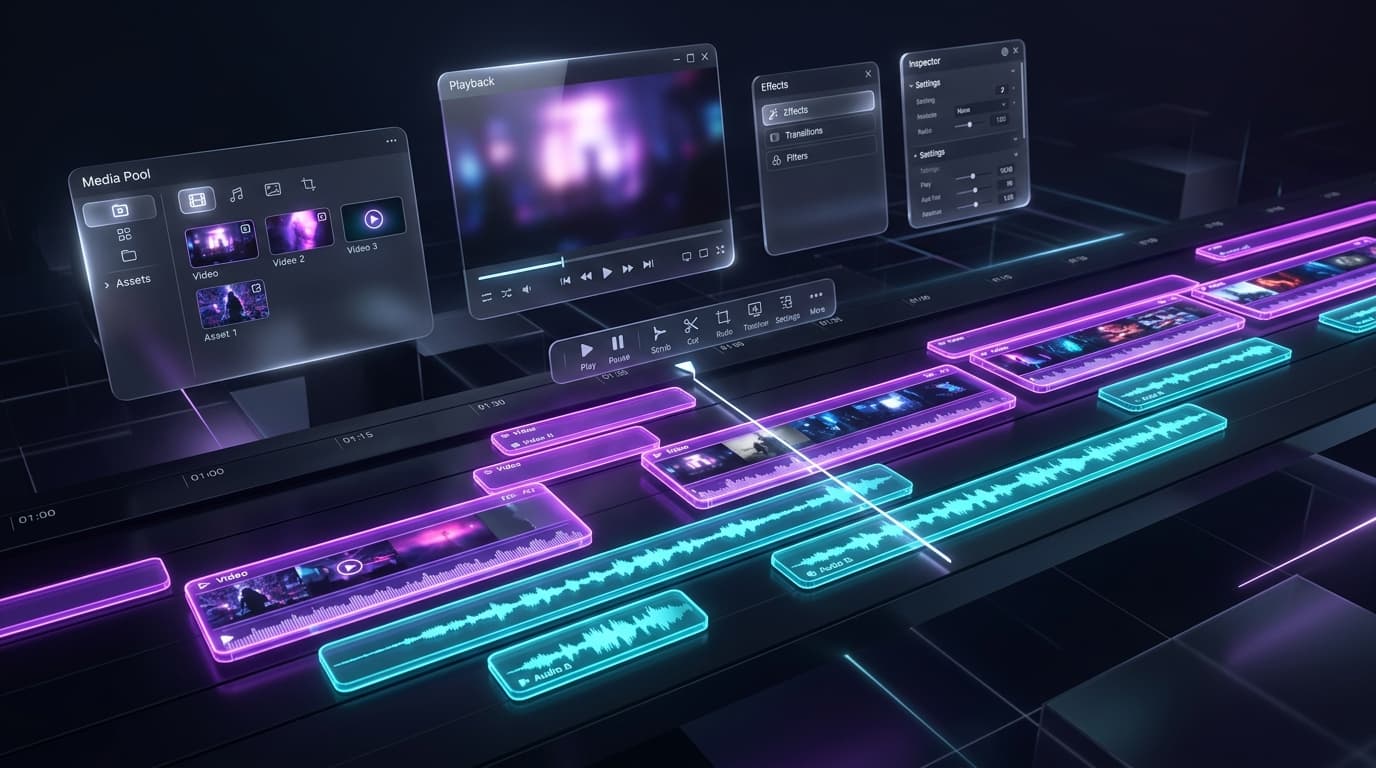
Podcast preview
Two-speaker layouts with captions ready for review
Keep the conversation readable in vertical format while producers can still adjust captions, crop, and export choices.
Two-speaker vertical output visible
Caption styling in the preview
Optional export modal or clip list nearby
Built for long conversations
Long-form episodes create lots of possible clip moments, but finding and packaging them manually takes too long.
- Works well with interviews
- Useful for episode repurposing
- Reduces manual episode review
Speaker-aware layouts
Split-screen and focused speaker layouts help podcast shorts feel more intentional in vertical format.
- Cleaner two-speaker shorts
- Better visual rhythm
- Less manual crop animation
Captions that carry the clip
Podcast clips live and die on readability. Carmic's caption tools make cleanup and styling easier.
- Word-level transcript edits
- Dual-language options
- Caption styles built for retention
Podcasters are one of Carmic's clearest fit stories
Clip detection, speaker-aware reframe, captions, and export handoff work naturally together for podcast teams.