Suggest supporting visuals, search stock, or drop your own media directly into the timeline.
B-roll is one of the fastest ways to move a clip from rough draft to watchable short. Carmic keeps that workflow inside the editing surface.
Why it matters
Short-form clips often need extra visual support
Carmic gives editors a faster path to supporting visuals without forcing them into a separate stock workflow or a manual asset scramble.
- Generate B-roll suggestions for a clip
- Search stock sources from inside the editor
- Upload custom media and place it directly on the timeline
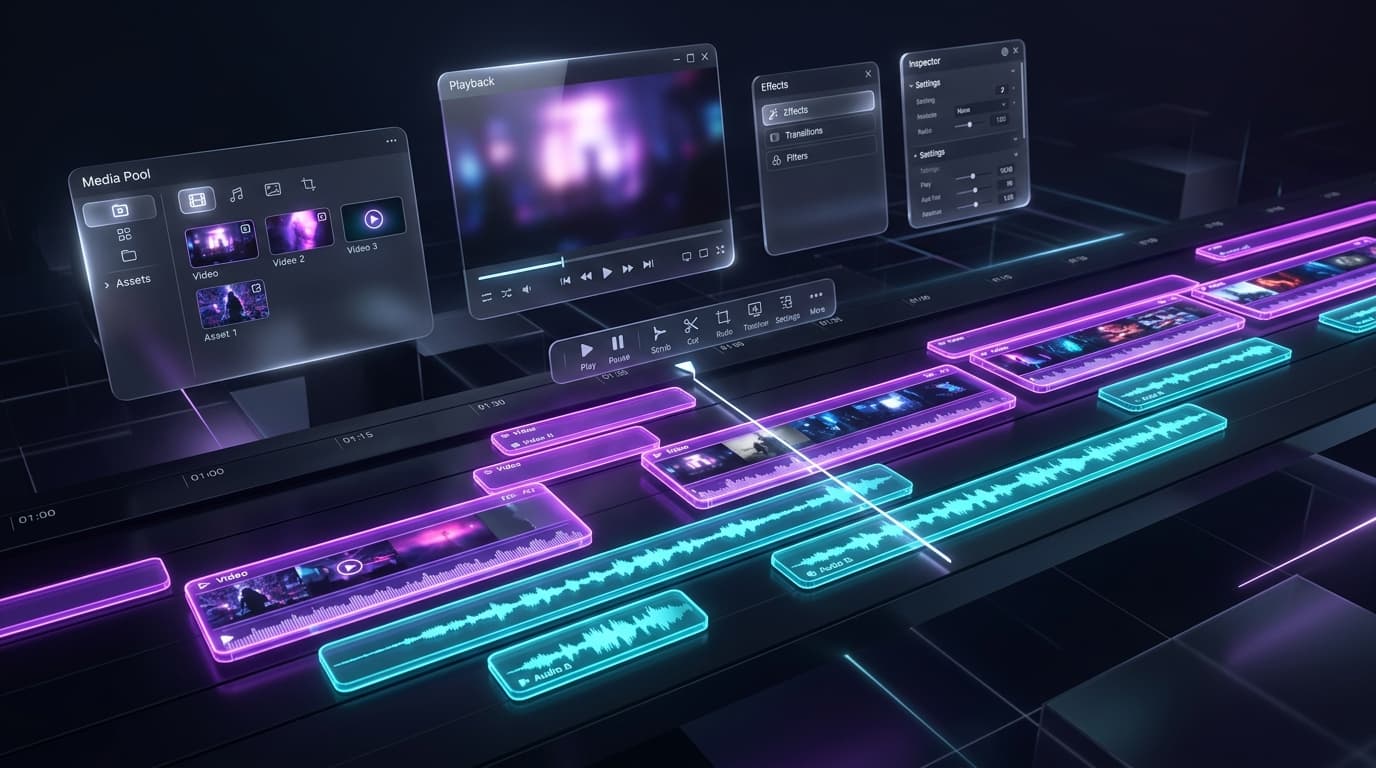
B-roll preview
Supporting visuals beside the active timeline
Review suggestions, search results, and placed visual layers in the same editing flow as the clip itself.
Suggestion cards or search results visible
Timeline with inserted B-roll clips
Optional preview with B-roll overlay in context
AI suggestions
Start with a faster first pass when Carmic can suggest relevant supporting visuals for the clip.
- Quicker ideation
- Less time searching for obvious assets
- Better baseline for editors
Stock search
Search external sources from the same workflow instead of bouncing between tabs and download folders.
- Stock provider lookup
- Cleaner asset discovery
- Faster B-roll decisions
Custom media
Use your own product shots, graphics, and brand visuals when stock is not enough.
- Upload custom media
- Shared workspace assets
- Drag-to-timeline placement
Move from extracted clip to finished short faster
B-roll support helps turn a strong moment into a more complete video without sending the team into a separate asset hunt.